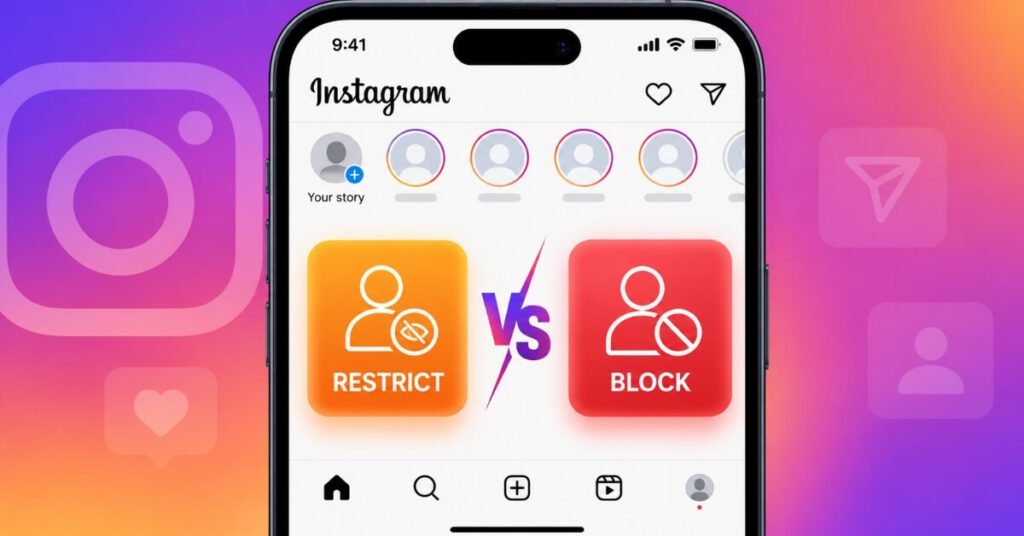
If someone on Instagram has been bothering you, you’ve probably landed on the same question thousands of other users search every day: Instagram Restrict vs Block — which one should you actually use? Both features exist to give you control over unwanted interactions, but they work in very different ways, and picking the wrong one can either escalate a situation or leave you more exposed than you’d like.
Instagram introduced Restrict back in 2019 as a quieter alternative to blocking, aimed mainly at handling bullying without alerting the other person. Block, on the other hand, has been around since Instagram’s early days and remains the most direct way to cut someone off completely. Over the years, both features have quietly become some of the most-used privacy tools on the platform, even though most users only discover them the moment they actually need one.
In this guide, we’ll break down exactly how each feature works, what the restricted or blocked person can and cannot see, how they compare to Instagram’s third lesser-known option (Mute), and how to decide which one fits your situation. By the end, you’ll never have to second-guess which button to tap the next time someone crosses a line.
What Does Restrict Mean on Instagram?
Restricting someone is Instagram’s “quiet mode” for dealing with unwanted attention. When you restrict an account, that person isn’t notified in any way. From their side, everything looks completely normal — they can still visit your profile, see your posts, and send you messages.
Here’s what actually changes once you restrict someone:
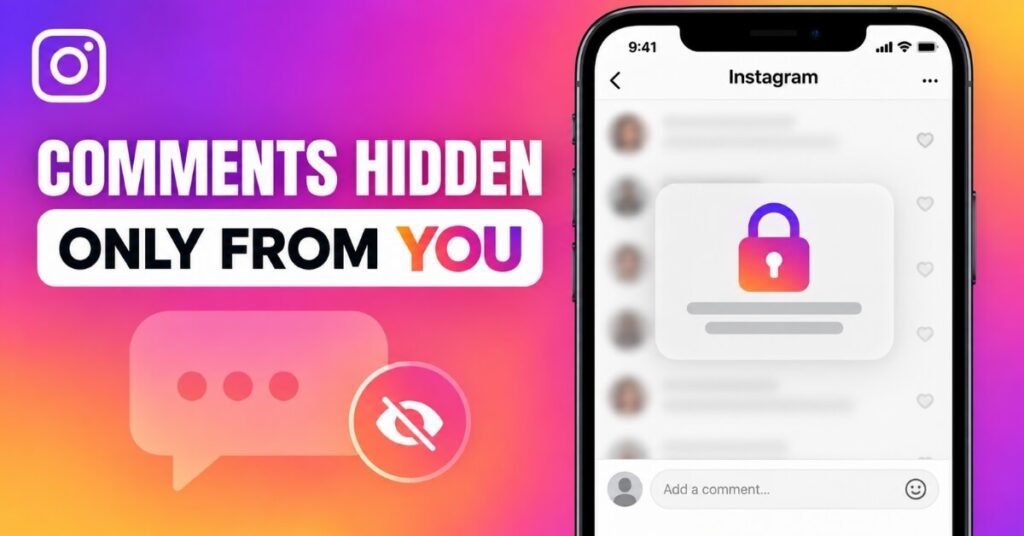
Their comments on your posts become visible only to them, unless you choose to approve and display them publicly.
Their direct messages move into your Message Requests folder, so you won’t get notifications every time they text you.
They can no longer see when you’re active on Instagram or when you’ve read their messages.
They can’t tell whether they’ve been restricted, since nothing on their end appears different.
This makes Restrict ideal for situations where you don’t want to draw attention to the fact that you’re managing the relationship — think of a difficult ex, a persistent acquaintance, or a follower whose comments are borderline inappropriate but not serious enough to warrant a full block. It was originally designed with teenagers and cyberbullying in mind, since younger users told Instagram they were afraid that blocking a bully outright would make the harassment worse rather than stopping it.
What Does Block Mean on Instagram?
Blocking is the more permanent, more visible option. When you block someone on Instagram, they lose all access to your account — no exceptions.
Once blocked, the other person:
Cannot find your profile through search.
Cannot view any of your posts, reels, or stories, even if your account is public.
Cannot send you direct messages or see your existing message thread.
Cannot tag or mention you in their own posts or comments.
Is automatically blocked across any other accounts they own or create, since Instagram links blocking to the device and account history in many cases.
Unlike Restrict, blocking is usually noticeable to the other person, even though Instagram doesn’t send them a direct notification. If they try to visit your profile or search your username, it simply won’t appear, which is often a strong enough signal that something has changed. Many users also don’t realize that blocking someone on Instagram can, in some cases, extend to Facebook if the two accounts are linked, so it’s worth checking your connected accounts if complete separation is the goal.
Instagram Restrict vs Block: The Core Difference
At its simplest, the Instagram Restrict vs Block comparison comes down to one thing: discretion versus finality. Restrict lets you manage someone’s access quietly, without cutting them off entirely or tipping them off. Block removes them from your Instagram life altogether, and it’s fairly obvious when it happens.
| Feature | Restrict | Block |
| Notifies the other person | No | No (but often noticeable) |
| Can they see your profile | Yes | No |
| Can they see your stories | Yes | No |
| Can they message you | Yes (moves to Requests) | No |
| Can they see when you’re active | No | No |
| Can they comment on your posts | Yes, but only visible to them | No |
| Can they tag or mention you | No | No |
| Reversible | Yes, anytime | Yes, anytime |
This table is where most people finally understand why the decision matters so much — the two features solve completely different problems, even though they sound similar on the surface. Restrict is a management tool; Block is a removal tool.
Where Does Mute Fit Into This?
Most guides only compare two options, but Instagram actually offers a third middle-ground feature called Mute, and understanding it helps make sense of the full picture. Muting someone hides their posts and stories from your feed without them knowing, but it doesn’t change anything about your relationship with them — they can still message you normally, comment on your posts, and see everything you post.
Think of the three features on a scale of increasing intensity: Mute simply cleans up your own feed, Restrict quietly limits how someone interacts with you, and Block cuts off the connection entirely. If your only complaint is that someone posts too much or content you’d rather not see, Mute is usually the better fit — save Restrict and Block for situations that actually involve unwanted attention directed at you.
Visibility: Who Can See What
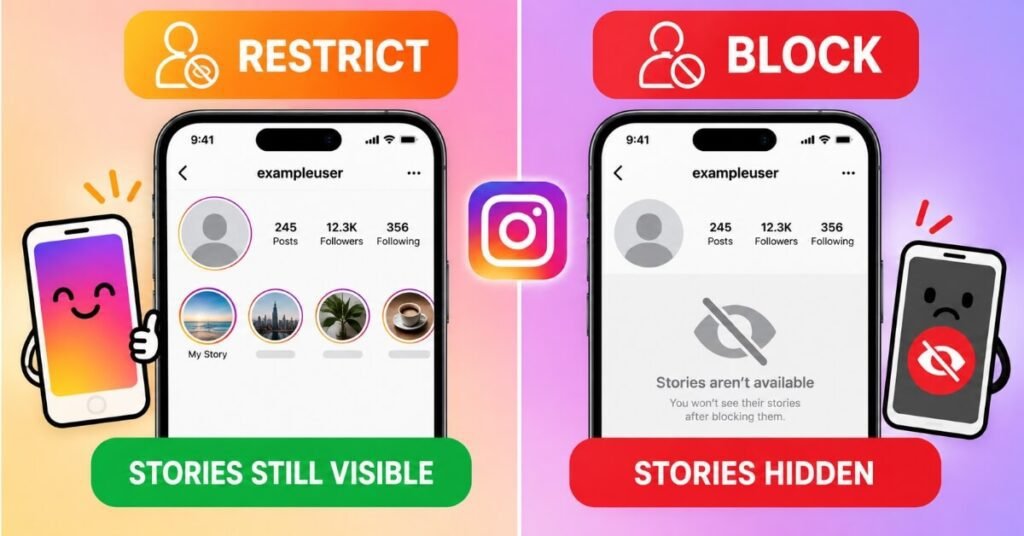
One of the biggest points of confusion is visibility. With Restrict, the other person retains full visibility into your public content. They can look at your grid, watch your stories, and browse your tagged photos exactly as before. The only thing that changes is how their comments and messages are handled on your end.
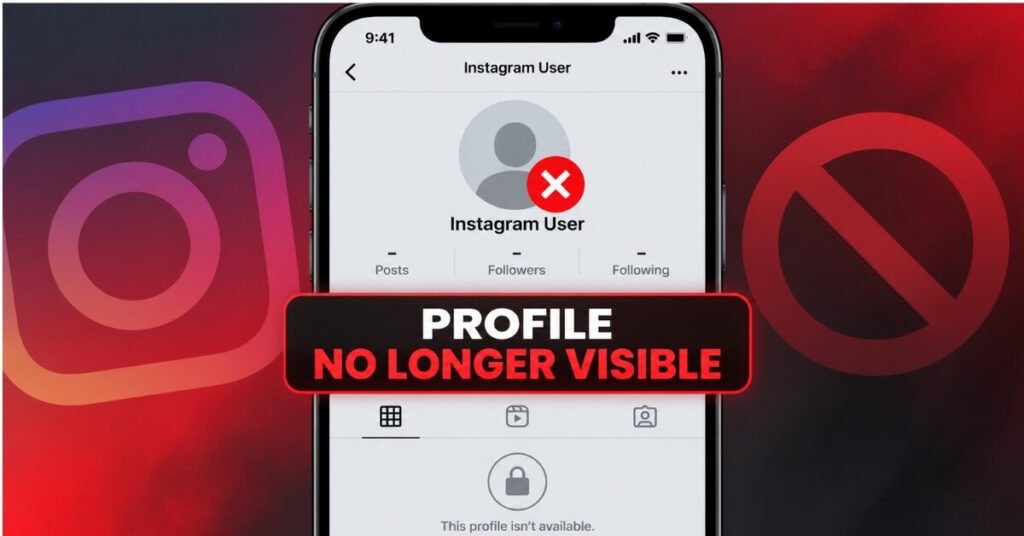
With Block, visibility drops to zero. They cannot see your profile at all — not your bio, not your follower count, not a single post. If your account is public, a blocked user trying to visit your profile will simply see a message saying the account isn’t available, or they’ll be redirected as though the profile doesn’t exist for them. Even shared elements like comments they left on mutual friends’ posts, if they tagged you, will no longer show your tag or link back to your profile.
Messages and Comments: What Changes
Restrict quietly reroutes a person’s direct messages into your Requests folder, which most users rarely check. You’ll still technically receive their messages, but you won’t get notified, and you can choose to read them on your own time without the sender knowing you’ve seen them. Their comments on your posts also become invisible to everyone except them, so your feed stays clean without an obvious confrontation. If you ever want to make a restricted comment visible again, you can manually approve it from your comment settings.
Block removes this option entirely. A blocked person cannot send you a new message, and any existing conversation thread becomes inaccessible to them. They also lose the ability to comment on, like, or interact with any of your content in any form. Any comments they previously left on your posts disappear from view for everyone, not just for you.
Can a Restricted or Blocked Account See Your Story?
This is one of the most common questions people ask when comparing these two features. A restricted account can absolutely still see your Instagram Stories, since Restrict doesn’t touch story visibility at all — it only affects comments, messages, and your online status. A blocked account, by contrast, cannot see your stories under any circumstances, since blocking removes all access to your profile and content.
If your main goal is to stop someone specifically from viewing your stories without going as far as a full block, you have another option: manually hiding your story from that person through your story privacy settings. This lets you keep everything else about the relationship unchanged while still protecting that one piece of content.
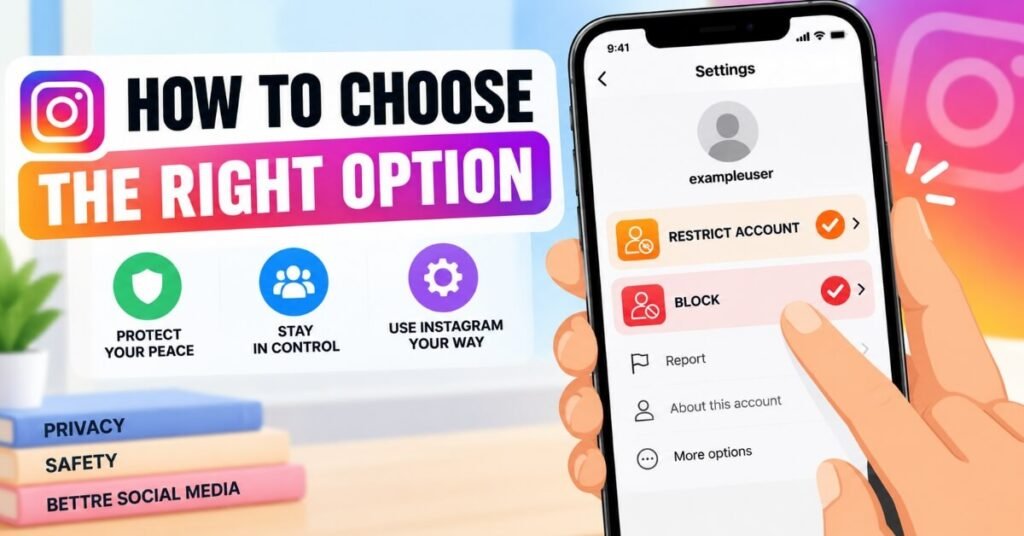
When to Use Restrict
Restrict works best in situations where you want to manage someone without escalating things. This includes:
A classmate or coworker whose comments are annoying but not threatening.
An ex-partner you don’t want to fully cut off, especially if you share mutual friends or attend the same events.
Someone who might notice and react negatively if blocked outright.
Managing unwanted attention from strangers without confirming that you’ve noticed them.
A family member whose opinions on your posts you’d rather not deal with publicly, without causing tension at home.
Understanding these scenarios helps you avoid overreacting to minor annoyances while still protecting your peace of mind. Many users also use Restrict as a trial step — if the person’s behavior continues even after being restricted, blocking becomes a much easier decision.
When to Use Block
Block is the better choice when the relationship needs to end completely, or when safety is a real concern. Common situations include:
Harassment, threats, or repeated inappropriate messages.
Stalking behavior or someone who won’t stop trying to contact you through multiple accounts.
An ex-partner or former friend you want zero future contact with.
Spam accounts, bots, or scam profiles trying to reach you.
Anyone sharing your private information or images without consent.
If there’s any doubt about someone’s intentions, blocking is almost always the safer route, since it removes every possible avenue of contact. Safety experts generally recommend erring on the side of blocking whenever a situation feels unpredictable, rather than relying on the more passive protection that Restrict offers.
How to Restrict Someone on Instagram
Restricting someone takes only a few taps:
1.Go to the person’s profile or open your chat with them.
2.Tap the three dots (or their name at the top of the chat).
3.Select Restrict from the menu.
4.Confirm by tapping Restrict Account.
You can undo this at any time by visiting their profile and selecting Unrestrict. There’s no limit to how many accounts you can restrict at once, and the list isn’t visible to anyone else, including the people you’ve restricted.
How to Block Someone on Instagram
Blocking is just as simple:
1.Visit the profile of the person you want to block.
2.Tap the three dots in the top-right corner.
3.Select Block.
4.Confirm your choice when prompted.
You can review and manage everyone you’ve blocked from your account settings, and unblocking someone is always available if you change your mind later. Keep in mind that if you unblock someone, you won’t automatically follow each other again — you’ll both need to send a new follow request if you want to reconnect.
Common Myths About Restrict and Block
A lot of misinformation floats around about these features, so it’s worth clearing up a few common myths:
Myth: Restricting someone unfollows them. This isn’t true — Restrict has no effect on your follower or following list.
Myth: Blocking someone deletes your old messages permanently. In most cases, your message history reappears if you unblock the person later.
Myth: The other person gets a notification either way. Neither feature sends a direct alert, though blocking is often noticeable through indirect signs like a missing profile.
Myth: You can only restrict or block someone once. You can restrict, unrestrict, block, and unblock the same account as many times as you want, with no penalty or limit.
Instagram Restrict vs Block: Which Should You Choose?
Deciding between Instagram Restrict vs Block ultimately depends on how much distance you actually need. If you want to quietly reduce someone’s ability to bother you while keeping the peace, Restrict is the smarter move. If you need a complete, permanent separation — especially in cases involving harassment or safety concerns — Block is the only option that fully removes them from your digital space.
It’s also worth remembering that neither choice is permanent. You can restrict, unrestrict, block, and unblock as many times as you need, so there’s no harm in starting with the quieter option and escalating to a full block later if the situation doesn’t improve.
Social platforms constantly refine features like this in response to how people actually use them — much like how leadership changes at major tech companies often ripple into product decisions down the line, as seen when Apple recently named its new CEO for 2026, a shift that’s expected to influence how Apple’s ecosystem approaches user privacy and safety tools going forward.
For Instagram’s own explanation of these tools, Meta’s official guide on Block, Mute, Restrict, and Report https://about.instagram.com/blog/tips-and-tricks/restrict-mute-block-report-guidebreaks down each feature directly from the source, which is worth a quick read if you want the platform’s own take before making your decision.
FAQs on Instagram Restrict vs Block
1. Does the other person know if I restrict them?
No. Restrict is completely silent — the other person receives no notification, and nothing visibly changes on their end.
2. Does blocking someone delete our chat history?
Blocking hides the conversation from both sides, but if you unblock the person later, your previous messages typically remain accessible again.
3. Can a restricted person still tag me in posts?
No. Once restricted, a person cannot tag or mention you in their captions or comments.
4. Is it better to restrict or block an ex?
It depends on your comfort level. Restrict works well if you want to avoid confrontation, while Block is better if you want a clean, complete separation.
5. Can I restrict someone and later decide to block them instead?
Yes. You can restrict an account first, and if the behavior continues or worsens, you can block them at any time without any conflict between the two settings.
6. Will restricting someone affect my follower count?
No. Restricting doesn’t unfollow, remove, or affect your follower or following count in any way.
7. Does Mute do the same thing as Restrict?
No. Muting only hides someone’s posts and stories from your own feed — it doesn’t change how they can interact with you, unlike Restrict, which limits their comments, messages, and visibility into your activity status.
8. If I block someone, will they be blocked on Facebook too?
It depends on whether your Instagram and Facebook accounts are linked. If they are, blocking on one platform can sometimes extend to the other, so it’s worth checking your connected accounts settings if you want full separation.
9. Can a restricted person see if I’ve read their message?
No. Once someone is restricted, they can no longer see your read receipts or your online activity status, even if their message sits in your Requests folder for days.
10. Do I need to follow someone to restrict or block them?
No. You can restrict or block any Instagram account, whether you follow them, they follow you, or neither of you follows the other.
Conclusion
At the end of the day, choosing between these two Instagram privacy tools isn’t about which feature is objectively better — it’s about which one matches your specific situation. Restrict gives you a subtle way to manage unwanted attention without anyone knowing, while Block offers a complete, no-contact solution for when you need real distance. Knowing the difference between Instagram Restrict vs Block, along with where Mute fits in, means you’ll never have to guess which button to tap the next time someone crosses a line on your feed.
Disclaimer
This article is intended for general informational purposes only and reflects Instagram’s features as of 2026. Instagram regularly updates its app, and some steps, menus, or feature behaviors may change over time. For the most accurate and current guidance, always refer to Instagram’s official Help Center.